
The web agency's guide to monitoring every client site — without becoming a DevOps shop
The web agency's guide to monitoring every client site — without becoming a DevOps shop
There's a moment every web agency knows and dreads: the client calls you to say their site is down.
It doesn't matter that the hosting was their choice, that the DNS renewal reminder went to their inbox, or that the contact form broke because a third-party plugin updated itself. You built the site — so in the client's mind, you own the outage. And every hour it takes you to find out about a problem is an hour the relationship quietly erodes.
The fix isn't hiring a DevOps engineer or duct-taping together five tools. It's putting every client project on one screen, wiring alerts to the place your team already lives, and — this is the part most agencies miss — turning monitoring into something you sell, not something you absorb.
Here's how to do it with Probecast.
The agency monitoring problem, specifically
Monitoring tools are mostly built for one of two people: the hobbyist with a single site, or the SRE team with a fleet of microservices. Agencies are neither. Your situation is:
- Many small-to-medium projects — 5, 15, 40 client sites, each modest on its own, chaotic in aggregate.
- Heterogeneous stacks — WordPress here, Next.js there, a Shopify storefront, a legacy PHP app nobody wants to touch.
- Third-party dependencies everywhere — payment gateways, booking widgets, map embeds, email services. When Stripe or a CDN hiccups, three of your clients' sites hiccup with it.
- No dedicated ops person — monitoring is whoever noticed first.
- A commercial layer — many of these sites are under maintenance retainers. The client is paying you to keep it up. Can you prove it is?
Per-monitor pricing punishes exactly this shape: 40 sites × a handful of checks each, and suddenly the "cheap" tool costs more than your hosting. What you want is a flat plan that covers the whole portfolio.
One Product per client
Probecast organizes everything around Products — self-contained groups of monitors with their own health score, alerts and status page. For an agency, the mapping is natural: one Product per client project.
Create the Product, enter the client's domain, and Probecast sets up the website monitor and scans the site's dependency map automatically. From there, each client's Product can hold:
- Website monitors — uptime, response time and SSL for the site itself (and staging, and that landing page microsite they insisted on).
- SSL & domain monitoring — you get warned before the certificate or the domain expires. If you've been in this business more than a year, you know exactly why this bullet is here.
- Custom monitors — five check types for anything with an address: HTTP, ping and port/TCP checks for the client's backend, booking engine or headless CMS — plus keyword checks, which verify a page actually renders real content, not a white screen or a database-error page that still returns HTTP 200. (The silent killer of "the monitor said everything was fine.")
- Heartbeat monitors — your nightly backups and cron jobs check in; if one goes quiet, you hear about it. Backups that silently stopped running three months ago are an agency horror classic.
- Synthetic browser checks — an AI-generated Playwright flow that actually submits the contact form or walks the checkout, in a real browser. Because "the homepage responds" and "leads are arriving" are very different claims.
- Catalog dependencies — pick the third-party services each site depends on (Stripe, Mailchimp, Google Maps, the hosting provider…) from a catalog of 1,000+ monitored APIs. When the dependency has an incident, you know it's their outage, not your code — and you can tell the client that with evidence, minutes after it starts.
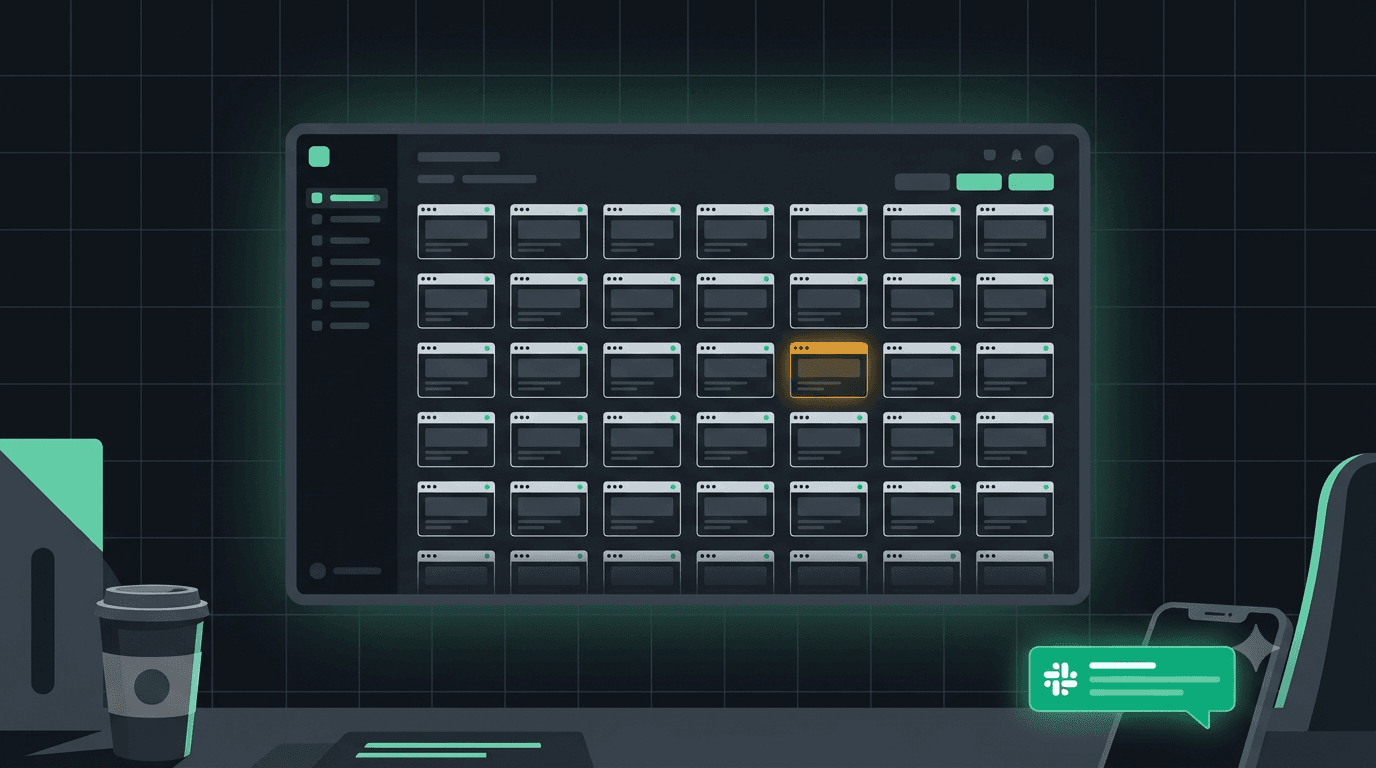
The result is one dashboard where every client is a row: health score, what's up, what's degraded, what it's costing. Scanning your entire portfolio takes ten seconds over morning coffee.
Alerts where your team already lives
Nobody at an agency is going to sit watching a dashboard, and they shouldn't. Probecast pushes alerts to Slack, Microsoft Teams, email and webhooks the moment something degrades — with per-Product alert rules, so the intern handling Client A's socials doesn't get paged about Client B's API.
Checks run from multiple regions worldwide, which matters more than agencies usually assume: your Lisbon office being able to load the site says nothing about the client's customers in São Paulo or Singapore. Multi-region checking also kills the false-positive alarm ("it was just our office Wi-Fi") that trains teams to ignore alerts.
The part you can sell: status pages and reports
This is where monitoring flips from cost to revenue line.
Public status pages, per client. Each Product gets its own status page — uptime history, incident timeline, response times. Put the link in your maintenance proposal. "Your site is monitored 24/7 from multiple continents, and here's the live page that proves it" is a sentence that closes retainers. On the Scale plan you can serve status pages on a custom domain, so it reads as part of your service, not a third-party tool.
Uptime badges. A verified "monitored" badge for the client's footer — a small thing that signals professionalism on every page load.
AI-written reports. On Startup and Scale, Probecast generates monthly health reports and incident postmortems automatically — what happened, when, root cause, resolution. Attach one to your monthly maintenance invoice and the retainer stops feeling like an insurance premium and starts feeling like a service the client can see.
Do the arithmetic: if monitoring plus a status page plus a monthly report lets you add even €20–50/month to each maintenance contract, the tooling pays for itself with the first two clients — everything after that is margin.
What it costs (and how the math works for a portfolio)
Probecast pricing is flat per plan, not per monitor:
- Indie — $29/month: one Product, 50 website monitors, 30 custom API monitors, heartbeats, a synthetic check, up to 3 status pages. Right for a freelancer or an agency wanting to pilot the workflow on their biggest client.
- Startup — $99/month: 3 Products, everything in Indie plus AI insights, reports and webhook alerts.
- Scale — $199/month: 15 Products, 100 website monitors, 100 custom APIs, the full 1,000+ API catalog, 10 synthetic checks, multi-region checks on your APIs, custom status-page domain, 180-day history.
For an agency with 15 active maintenance clients, Scale works out to about $13 per client per month — for monitoring, status pages, synthetic checks and reporting combined. Compare that with per-monitor pricing anywhere else, or with the cost of one developer-afternoon lost to "why is the client's site down and since when."
Every plan starts with a 30-day free trial, every feature unlocked, cancel anytime before it ends.
A 30-minute rollout plan
You can put your whole portfolio under monitoring in an afternoon. Here's the sequence:
- Start a trial and create a Product for your three most important clients. Enter each domain — the website monitor and dependency scan configure themselves.
- Wire alerts to Slack (or Teams) — the channel your team actually reads.
- Add the silent-failure traps: a keyword check on each homepage, a heartbeat on each nightly backup, SSL/domain expiry warnings on everything.
- Add one synthetic check on the flow that matters most — usually the contact form or the checkout.
- Publish the status pages and send each client the link with a one-line note: "Your site is now monitored around the clock — this page shows it live."
- Next maintenance-contract renewal, price it in.
Step 6 is the one that changes your P&L.
The quiet payoff
The real product an agency sells is confidence. Sites can be rebuilt; trust can't. Monitoring done right means the next time something breaks — and something always breaks — the story flips: instead of the client calling you, you call the client. "We caught it at 9:14, it was the payment provider, not the site, and it's already recovering. Here's the incident on your status page."
That phone call is what retainers are made of.
Put your client portfolio on one screen — start your 30-day free trial and have your first three clients monitored before the coffee gets cold.
14-day free trial
Never miss an API outage again.
Monitor 1,000+ APIs from 4 global regions. Get alerted on Slack, email or webhooks the moment something degrades. Free for 30 days on Indie.
Start free trialRelated Posts

Comments
Sign in to join the conversation and leave a comment.
Sign In to Comment